Websites and menus for restaurants
Distinct style, simple editing
Restavox helps restaurants publish a polished website, current menus, and location details without waiting on a developer. Choose the style and manage the content in one panel.
We focus on the daily essentials: website, current menus, locations, photos, and calm publishing.
Seasonal kitchen · Gdańsk
Rosa i Sol
Menu — Lunch
Chickpeas, parsley oil, lemon
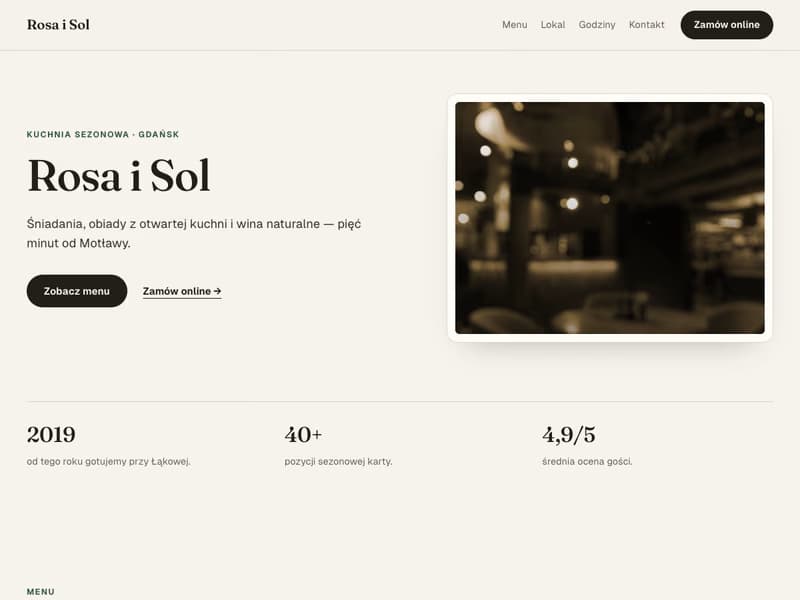
A demonstration mock: the same page content, four public styles. Real public template screenshots are below.
Brand character
A restaurant website should not feel like a generic form. It should show the character of the place right away.
Guests want to find the menu, hours, and address quickly. It helps when the website also makes the brand feel recognizable.
Restavox keeps the structure simple: menus, locations, photos, and publishing. Style, photos, and copy give the page the character of your restaurant.
How it works
Five steps to publish
A short path from account to public website.
- 01Step 1
Create a profile
Name the restaurant or network and set the basic details.
- 02Step 2
Add a location
Address, opening hours, and contact details.
- 03Step 3
Enter the menu
Add the sections, items, and prices guests should see.
- 04Step 4
Add photos
Logo, hero image, and dish photos.
- 05Step 5
Publish
Review the preview and switch the public website on.
What you get
What the finished website covers
One calm owner panel. Update the details once, and the public website shows the current version after publishing.
A website from day one
Your platform subdomain works right after sign-up without a separate build.
A menu without PDFs
Prices, descriptions, and availability are updated in the panel. Guests see the fresh version.
One brand, many venues
Multiple locations, separate pages and menus, shared branding — all in one place.
Photos and page style
Set the logo, hero image, and dish photos yourself while the template keeps the page consistent.
Draft without pressure
Work in draft and publish only after the page is ready.
Phone first
Guests look for menus and hours on their phones, so the public view is mobile-first.
Proof, not promise
Real templates, real screenshots
The mock above shows how the style can change. Here are the actual public templates with sample data.

A clear, calm layout that puts the menu first. A reliable starting point for most restaurants.
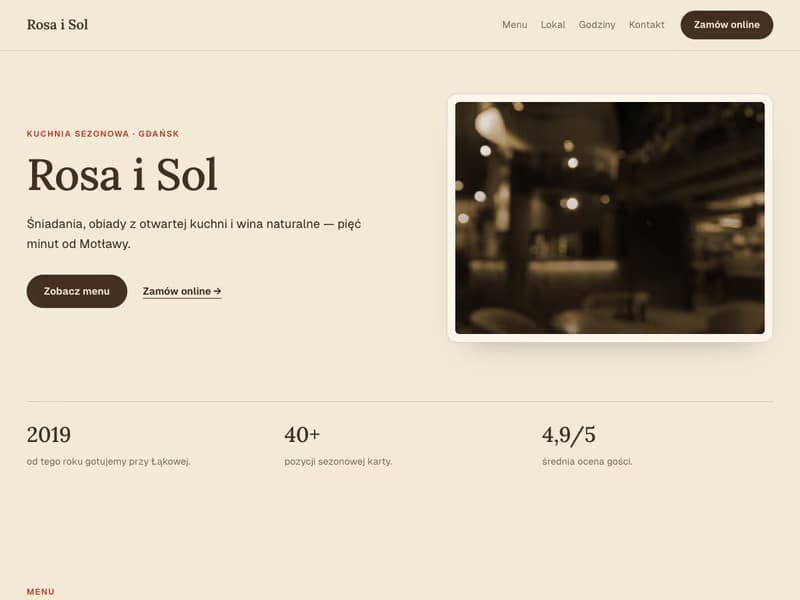
A warm style with soft details. For places that want a welcoming, home-style feel.
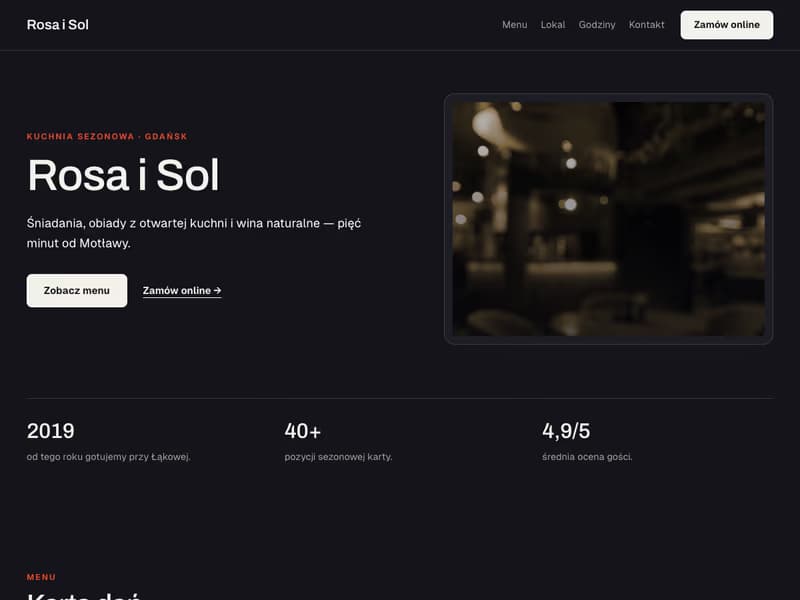
A darker, higher-contrast variant. For street food, ramen, and brands with a stronger rhythm.
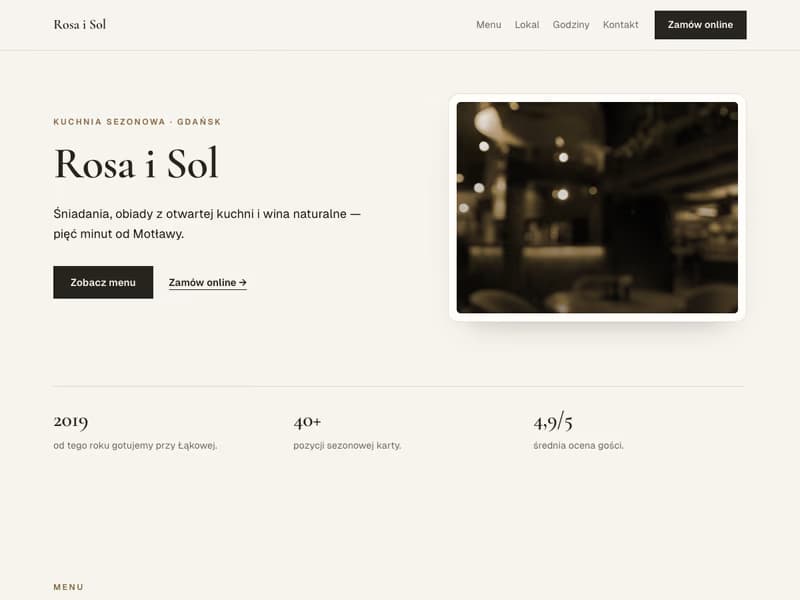
A restrained layout with fine lines. For restaurants built around calm, detail, and focus.
Content, menus, and photos stay when you switch templates — only the visual style changes.
For restaurant groups, we can also prepare a unique brand-matched template. More details soon.
What helps day to day
Restavox keeps the public restaurant website tidy: menus, photos, location details, and the moment changes go live.
In the owner panel
- A page on a platform subdomain
- A separate menu per location
- Networks and multiple locations
- Photos and branding
- Draft mode and one-switch publishing
Common uses
- Quick price and description updates
- Publishing a new location
- Seasonal photo refreshes
- Previewing the page before guests see it
Questions
Common questions
Do I need my own domain?
Your website works right away on a platform subdomain. A custom domain can be connected with our support when the brand is ready for that step.
I run several venues. Is this for me?
Yes. Each location can have its own page, contact details, and menu while the brand stays shared.
Can I manage without an IT person?
Yes. The owner panel is simple: you change details, menus, and photos, and publish with one switch. No code.
What can I publish first?
A website on a platform subdomain, location profiles, current menus, photos, and one-switch publishing.
Start with the website and a current menu
Creating an owner account takes a few minutes. The subdomain and panel are ready when you want to organize the public menu.